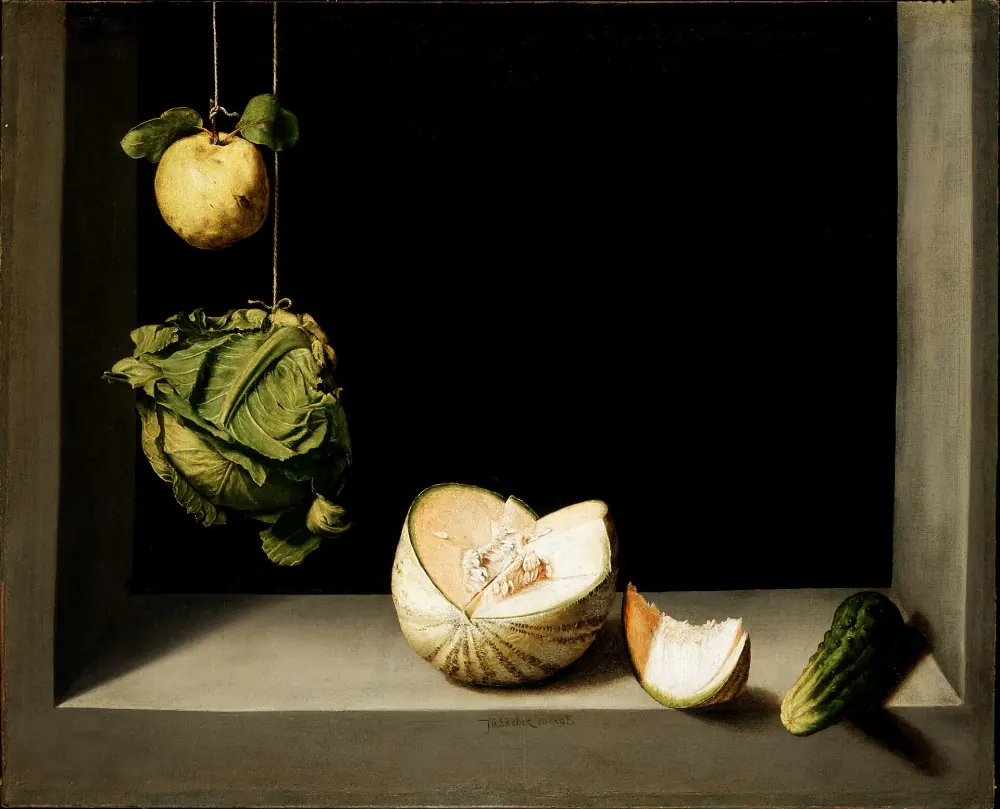
A shopping list from 1602, still open.
Add what is running out to the grocery list. In the shop, turn on shopping mode and tick things off. Bought items stay crossed out for a day, then clear themselves.
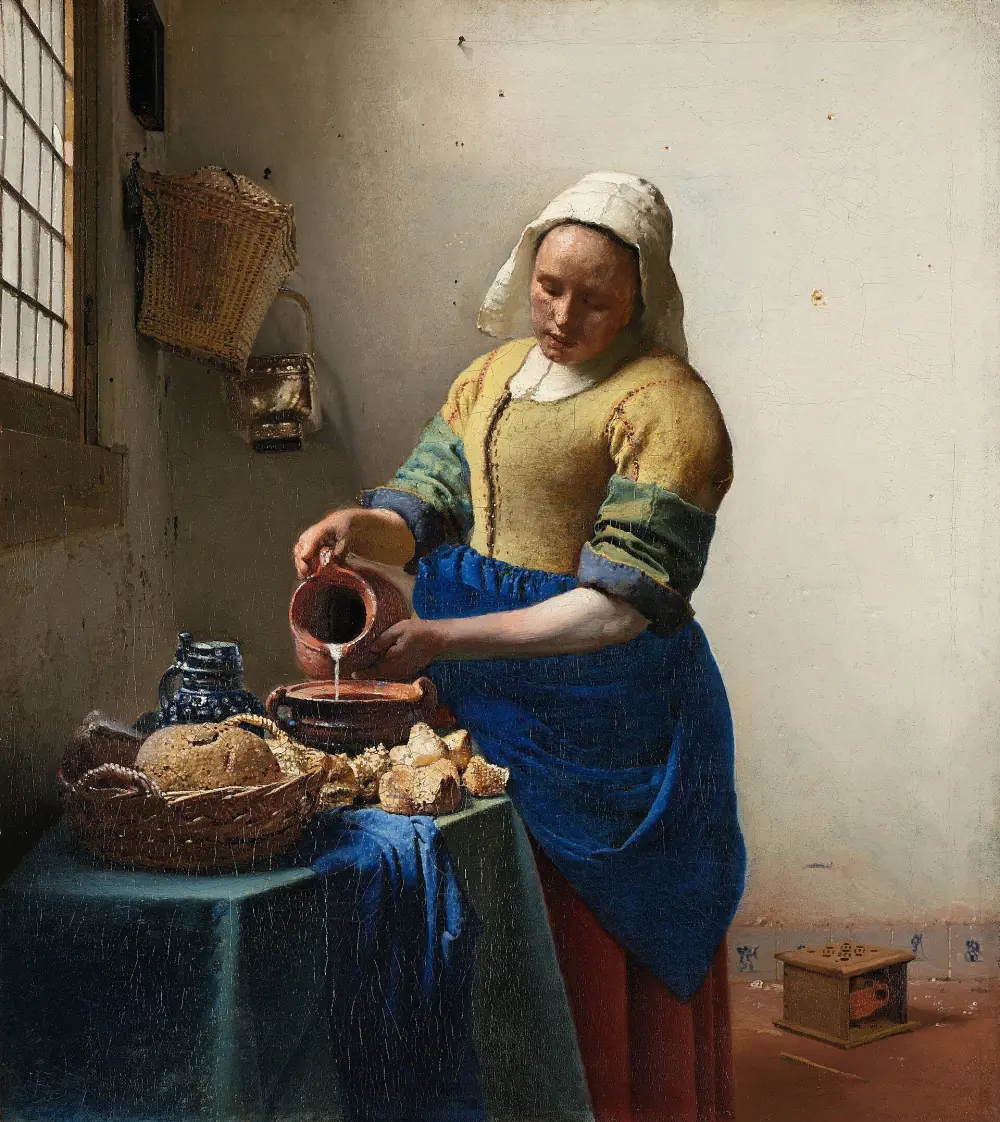
Johannes VermeerThe Milkmaid, c. 1660
Luumi is a free iPhone app with one shared shopping list and chores for the people you live with.

Free on iPhone. No subscription.
Luumi keeps them in four places: a shared shopping list, chores with a name and a day, one daily habit, and ideas.
Add what is running out to the grocery list. In the shop, turn on shopping mode and tick things off. Bought items stay crossed out for a day, then clear themselves.
See who does what and when. Set a chore to repeat daily, weekly or monthly, and get a reminder on the day it is due.
Pick one small daily habit for the whole room, like drinking water or airing out the room. The timer shows when it is ready again.
Keep trip, dinner and gift ideas in one place, sorted into categories. Everyone in the room can add to them.
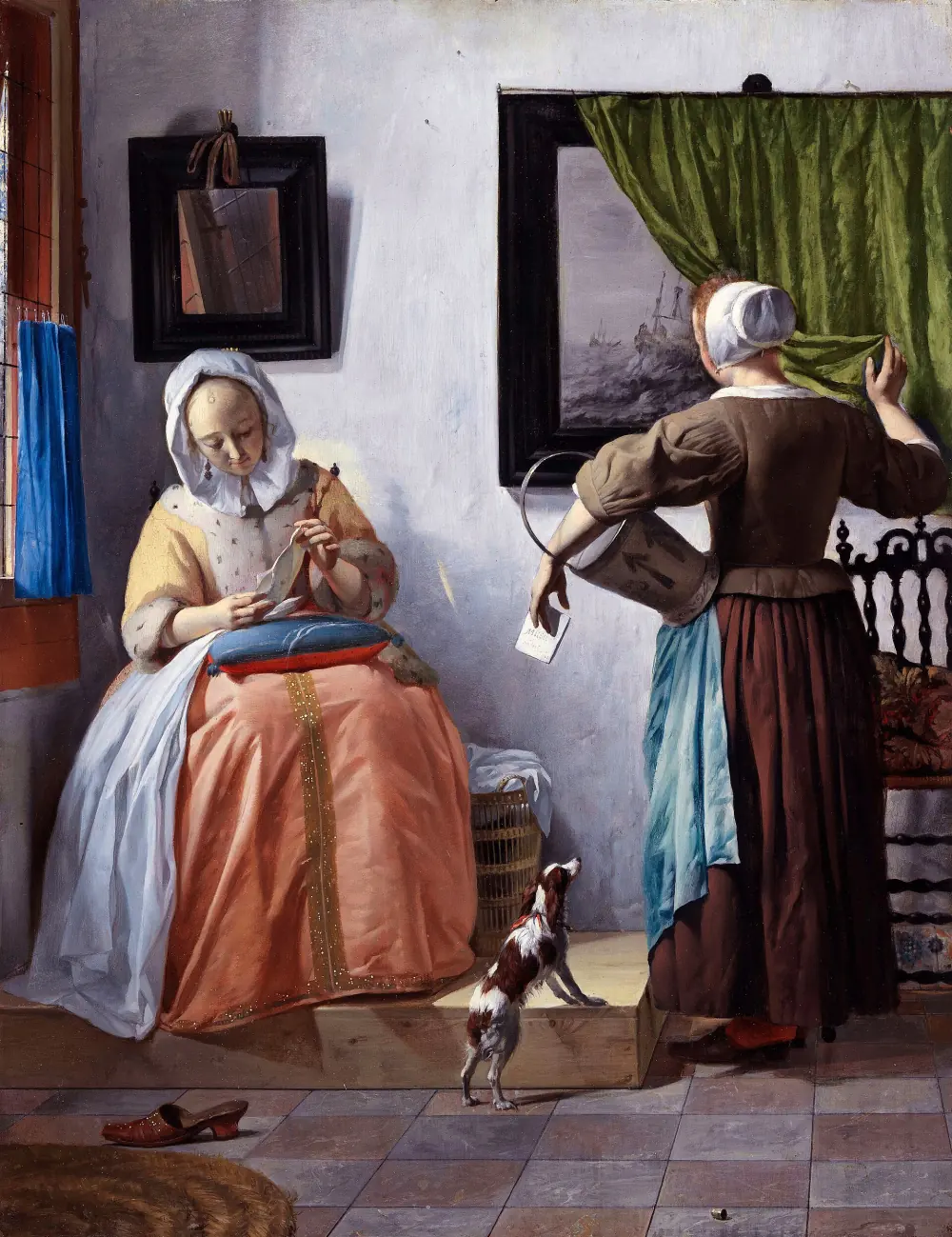
Widgets show what to buy, who is up next and the daily action. A Live Activity follows your shopping trip on the Lock Screen and in the Dynamic Island.

LUUMI-7KQ2M9XA
Create a room and give it a name.
Send the code, which looks like the one above.
Up to 6 people join with it.
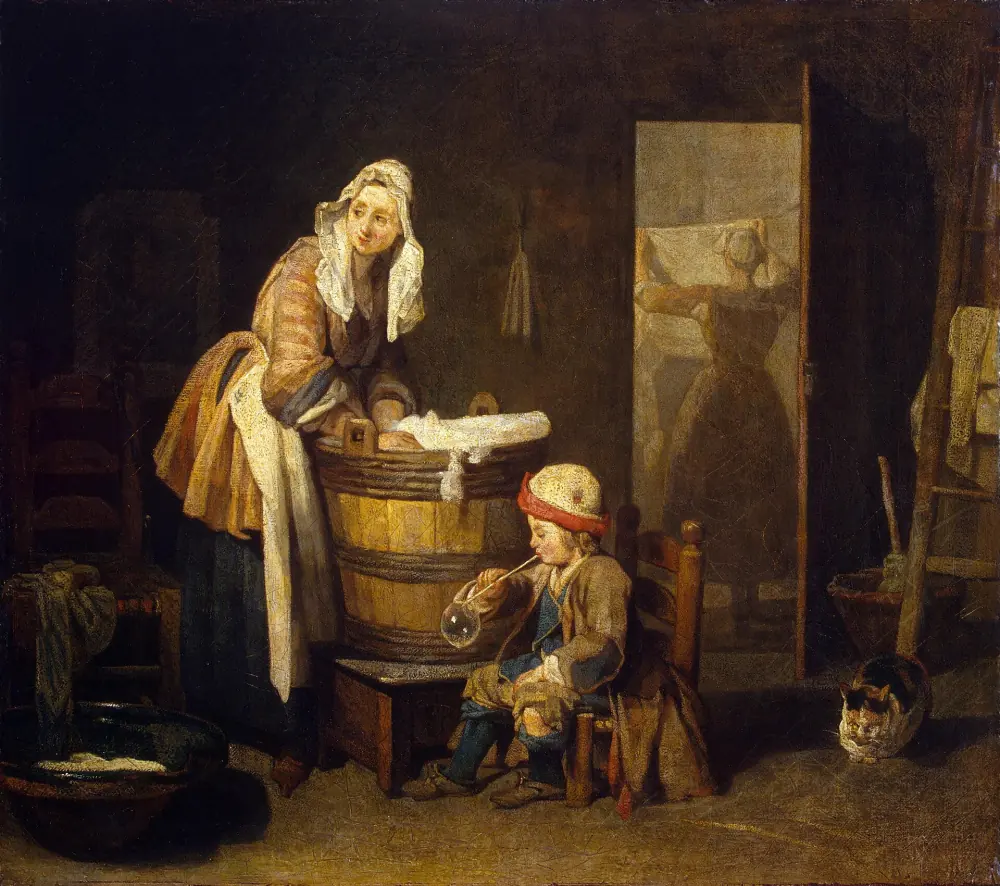
Most fights at home are about who did the last thing. When the list and the chore turns are in one place, there is less to remember and nobody has to keep score.
Yes. There are no in-app purchases and no subscription.
No. Luumi is for iPhone, on iOS 17.6 or later.
Up to 6, including you.
No email or password. You type your name when you create or join a room, and the app signs you in behind the scenes.
Yes. Each person joins from their own iPhone with the room code.
English, Polish, Russian and Ukrainian.
The Restock widget shows what your home needs to buy, the Chores widget shows who is up next, and the Live Action widget lets you mark your daily action done. Live Activities show your shopping trip and the action timer.
Write to luumi.app.contact@gmail.com.
Download Luumi, make a room and send the code to whoever shares your fridge.